Drag to orbit
Know what you're placing.
Every build opens in the browser. Turn it, look inside it, and check the shape before it touches your world. Nothing to install.

Turn it in the browser, download it in the format your world needs, and pull it onto a server in one command.
popular this week
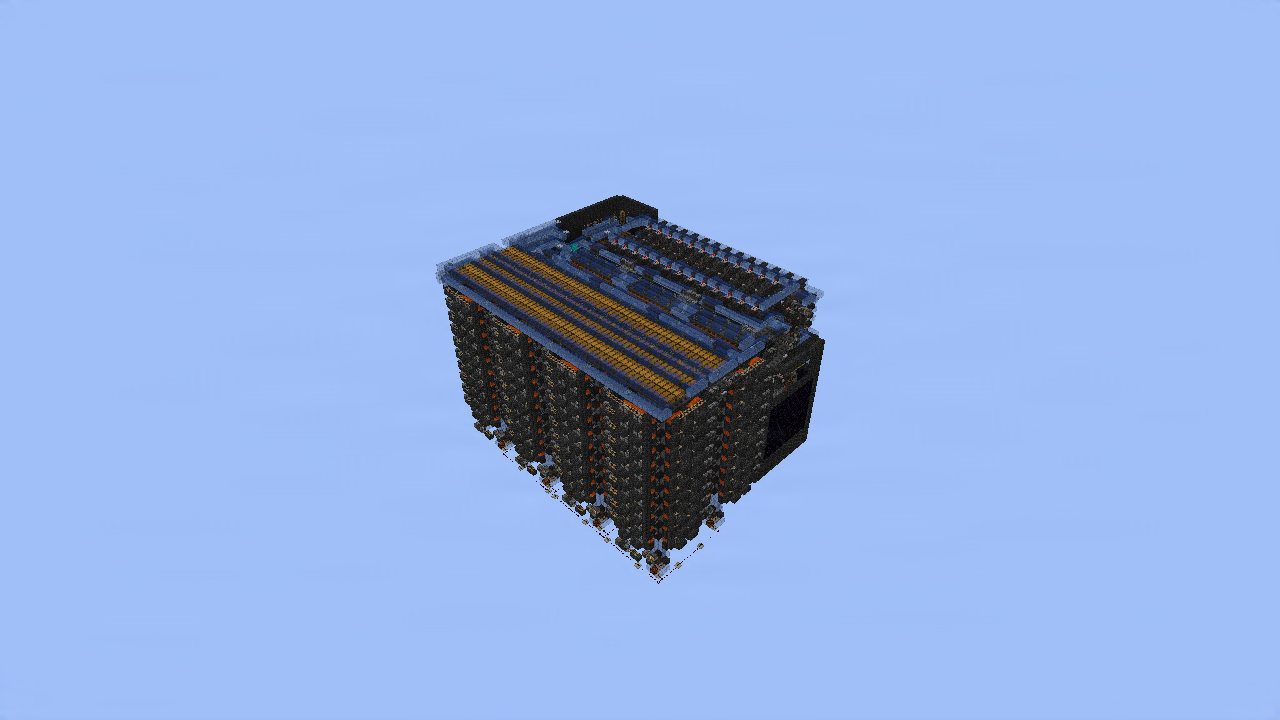
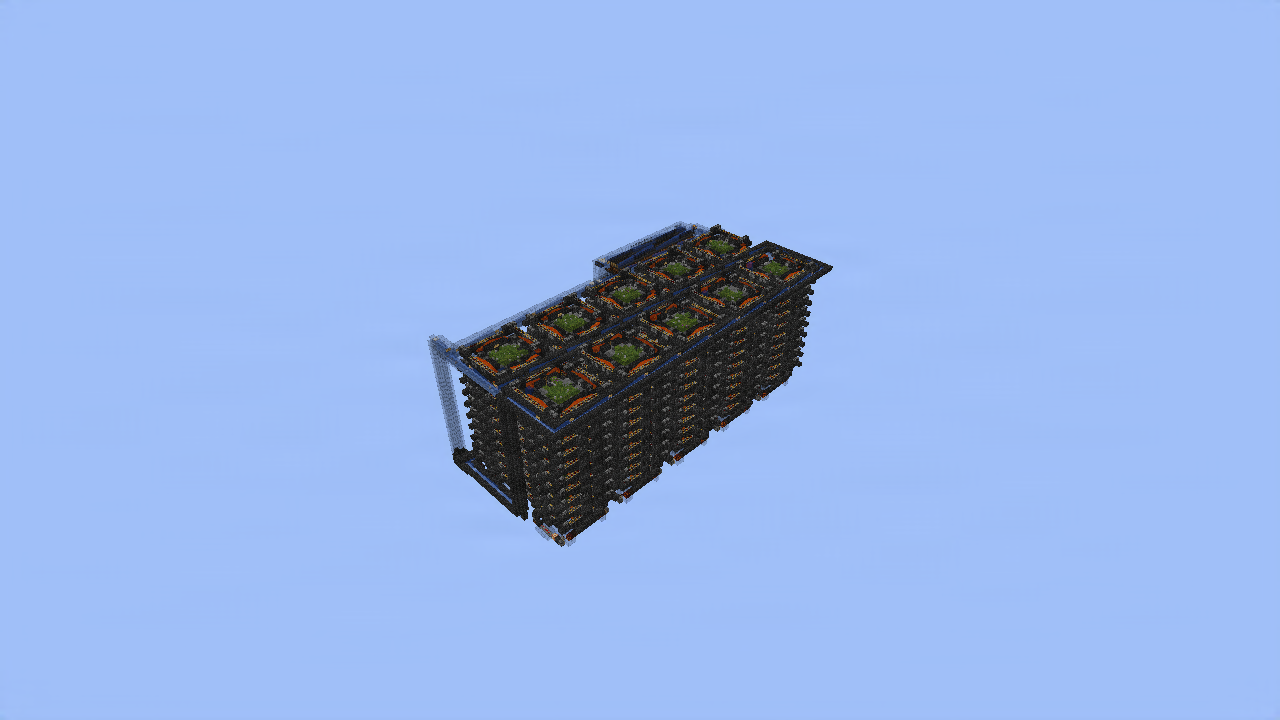
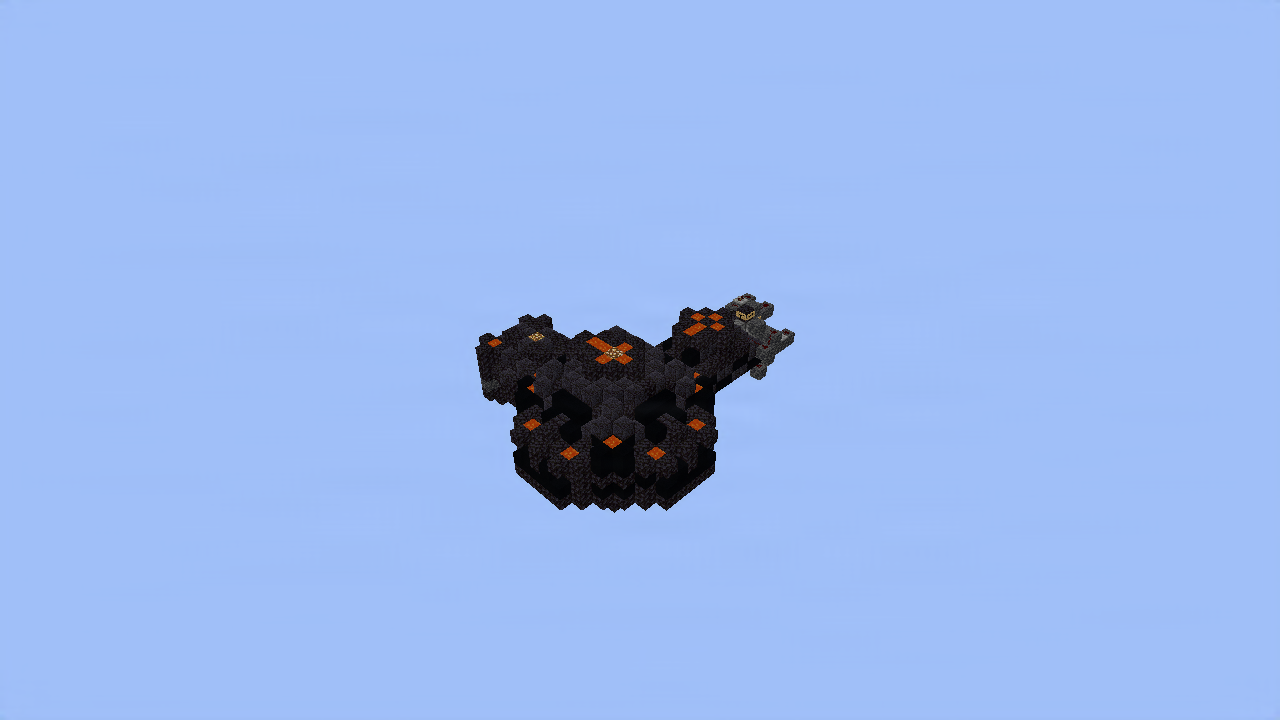
 hxllowww
.litematic
hxllowww
.litematic
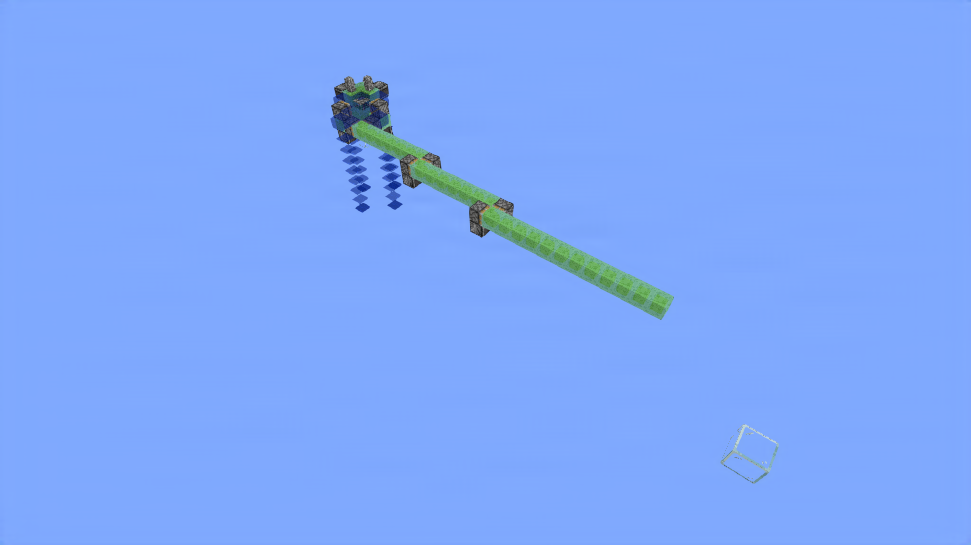
 Aestrul_
.litematic
Aestrul_
.litematic
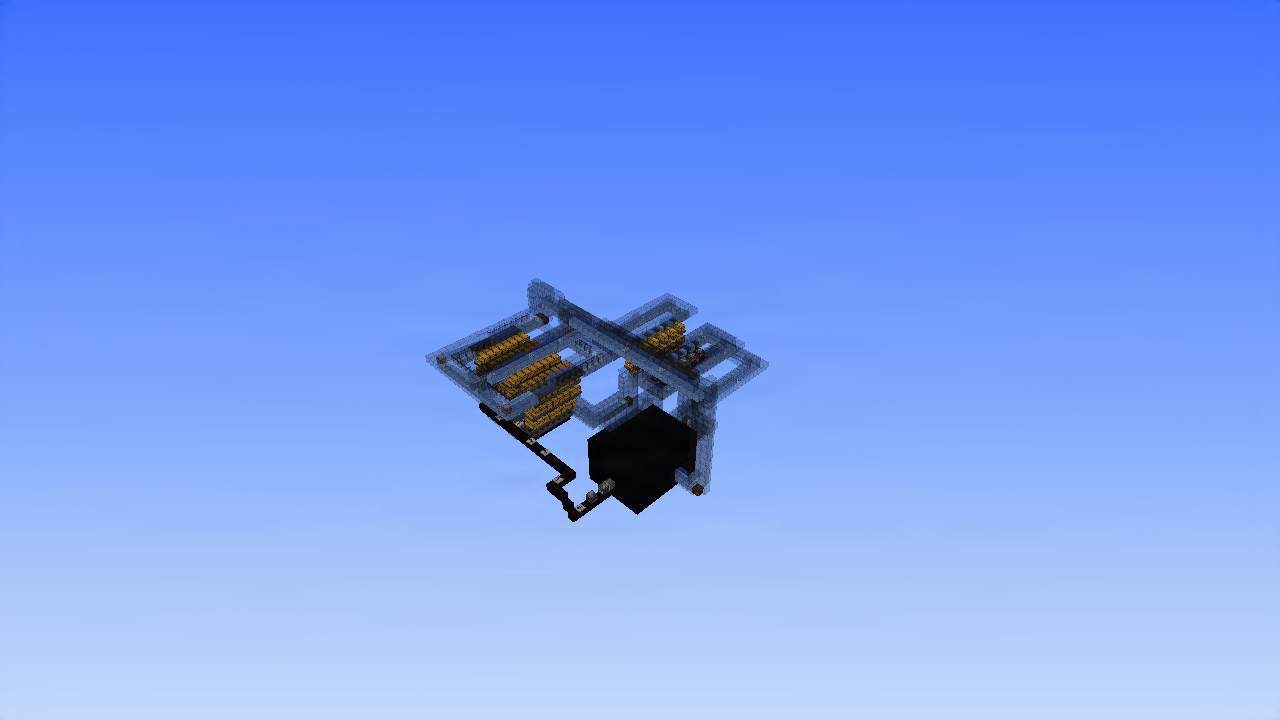
 surrn
.litematic
surrn
.litematic
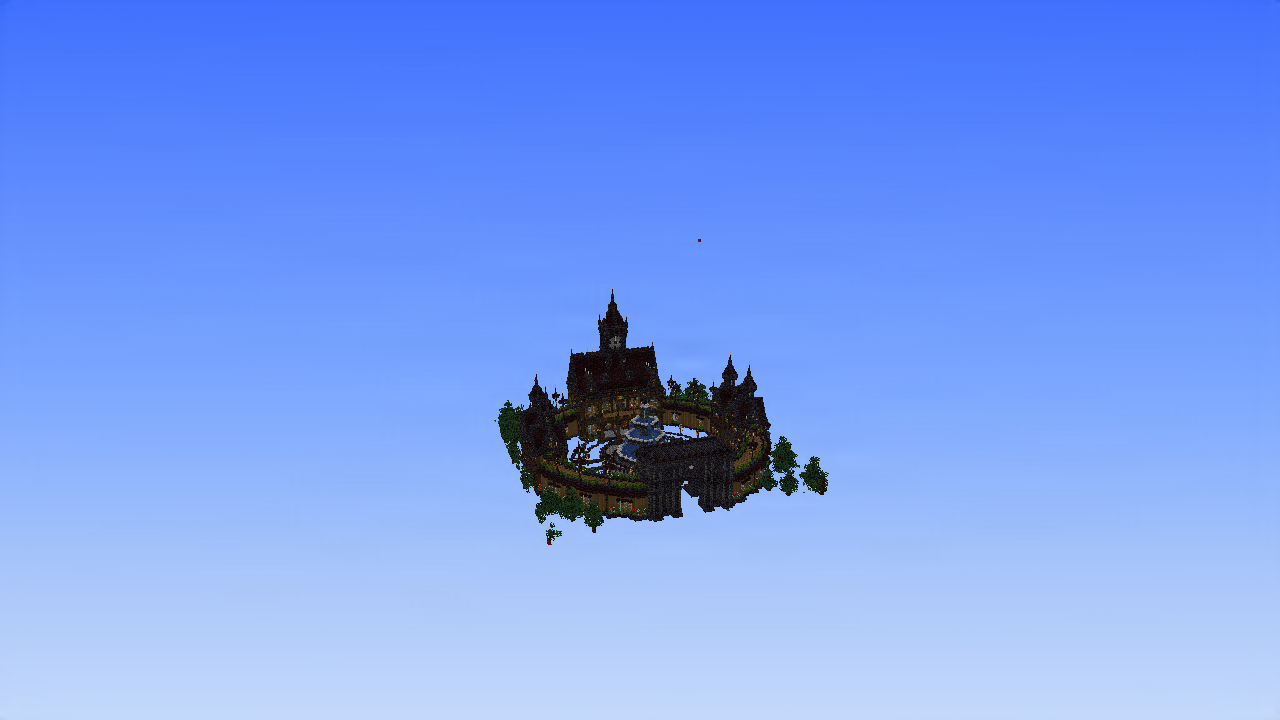
 extessyxx
.litematic
extessyxx
.litematic
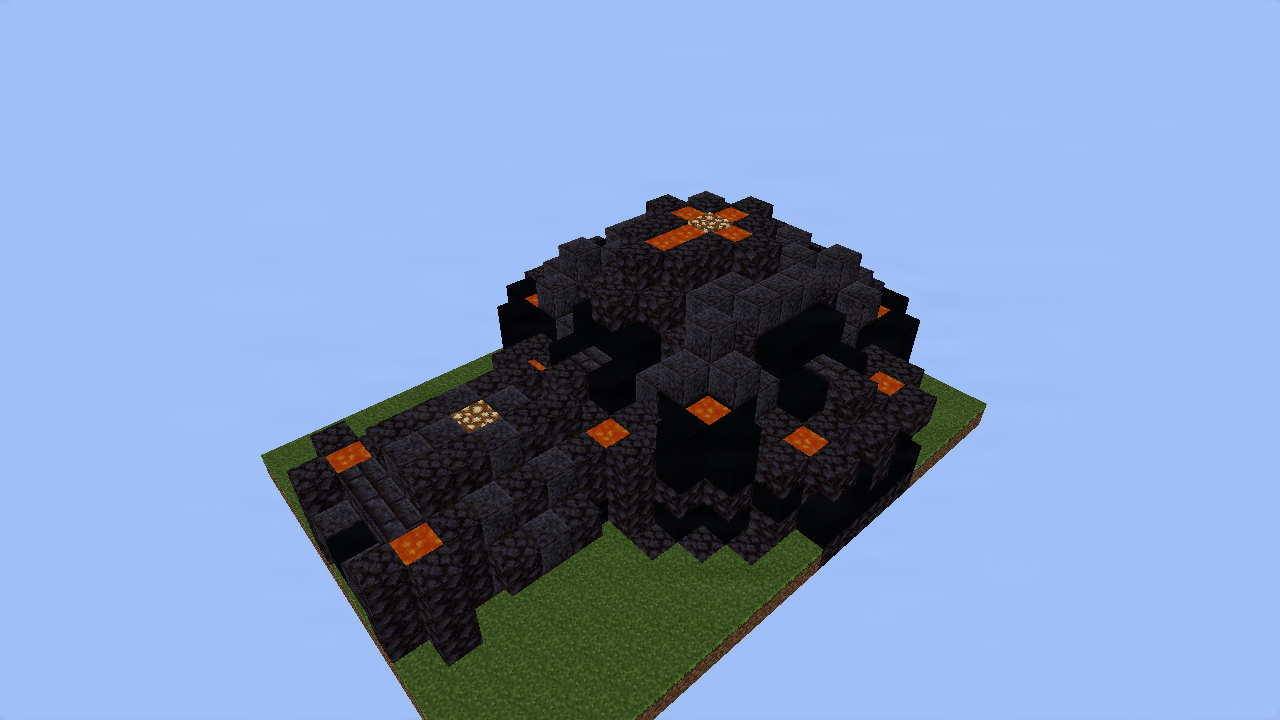 hxllowww
.litematic
hxllowww
.litematic
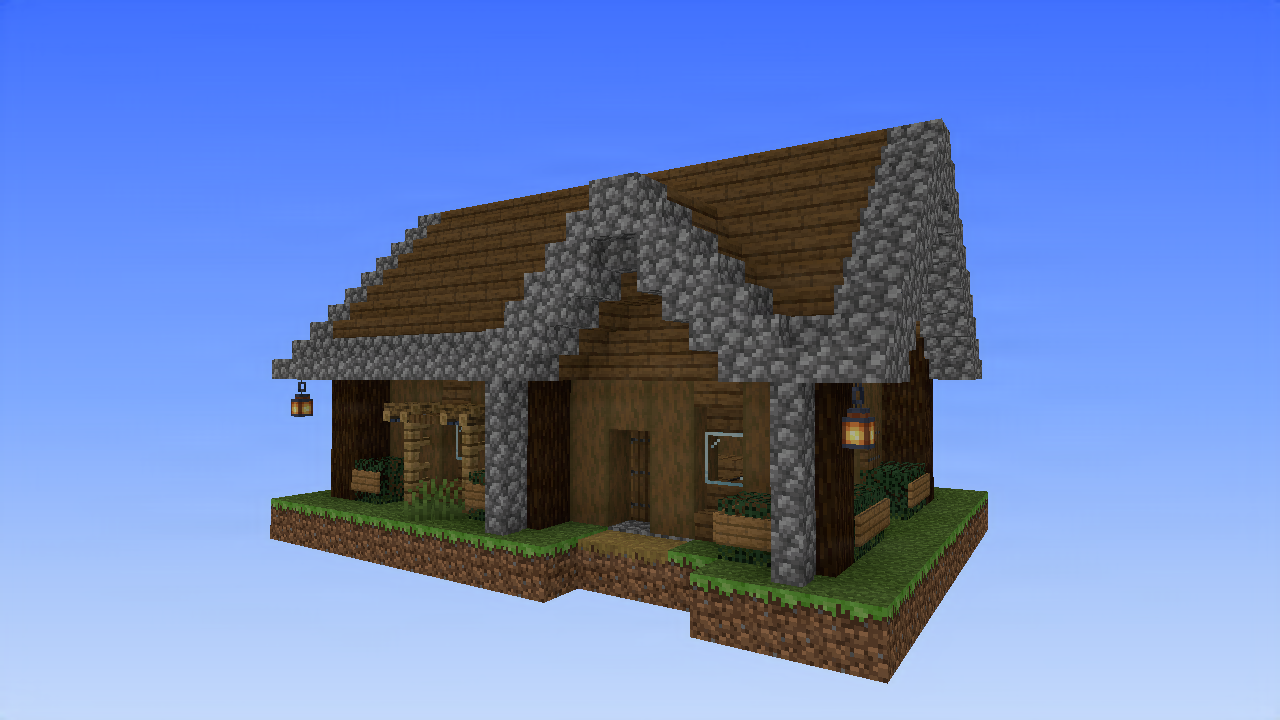
 y0ul_
.litematic
y0ul_
.litematic
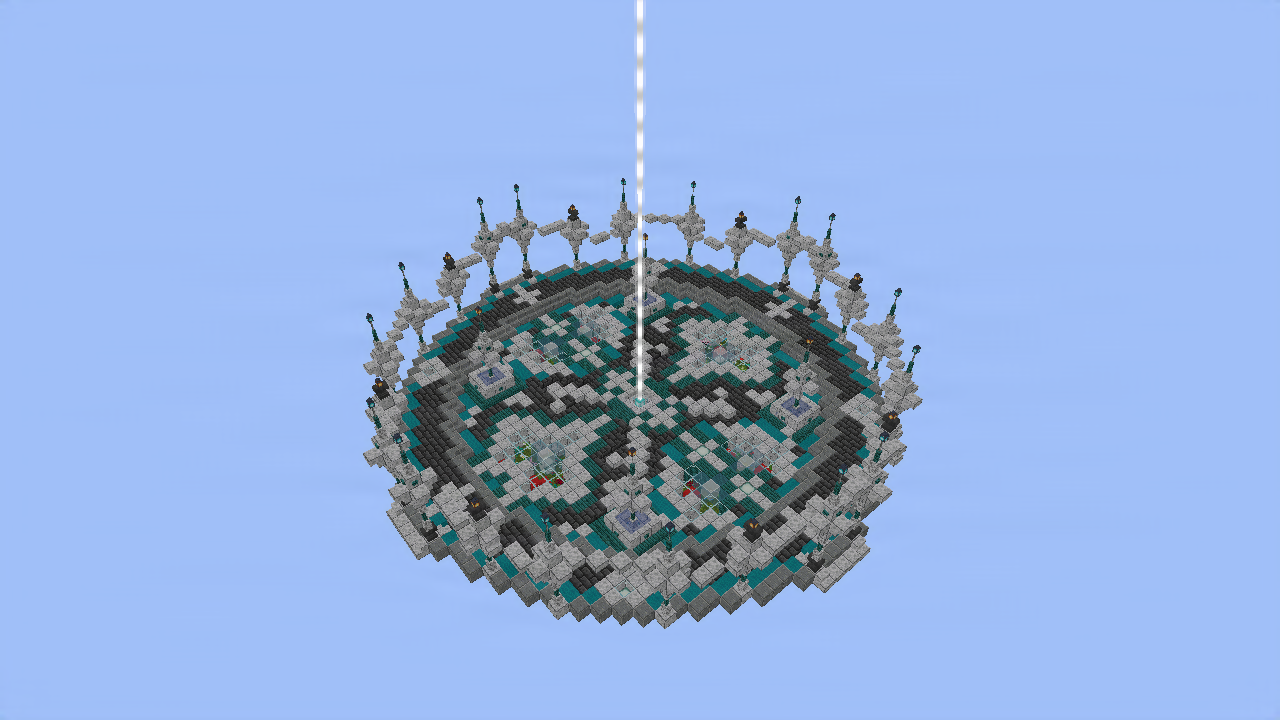
 xdcord
.litematic
xdcord
.litematic
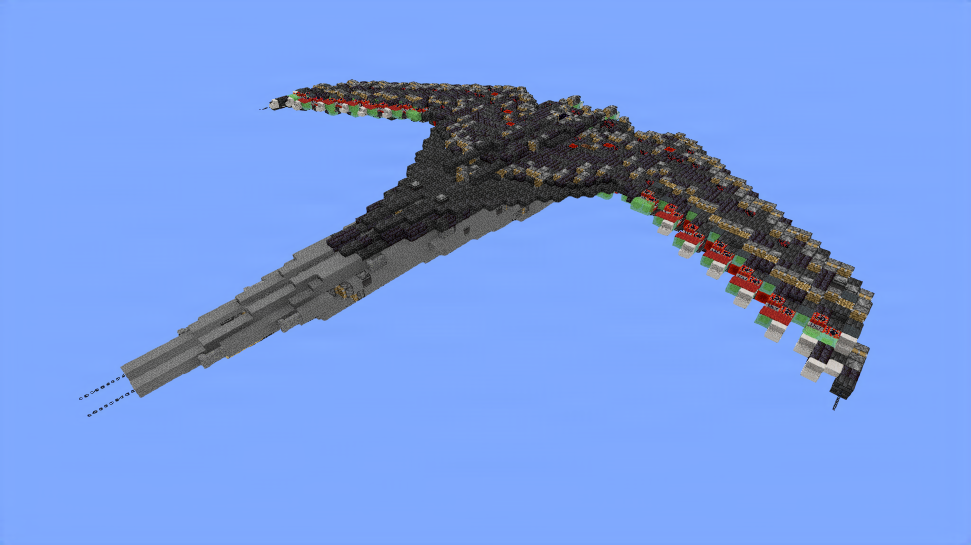
 MythicalPingu
.litematic
MythicalPingu
.litematic
why builders use schemat.io
Every build on schemat.io opens in the browser, downloads in the format your world needs, and reaches a server in one command.
Every build opens in the browser. Turn it, look inside it, and check the shape before it touches your world. Nothing to install.
Also reads .schematic, .mcstructure and .nbt.
Palette, metadata and versions survive the conversion, so what comes back out is the build that went in.
pull a build into your world
> /schematio download piston
✓ fetched from schemat.io
in your clipboard, ready for //paste
hand one to another server
> /schematio quickshare
✓ share code K7QP-2M valid 24h
they run /schematio quickshareget K7QP-2M
Paper and Spigot. Pull any build into your clipboard, or turn your clipboard into a code that another server can claim.
Report a bug, pitch an idea, or talk to the people shipping them. This room is for the project itself. Each build has its own comments.
Join the DiscordSearch by style, version or creator. Or start a community around what you build, with its own tags and its own front door.
Browse communitiesready when you are
Preview it, package it, and hand it to a server.
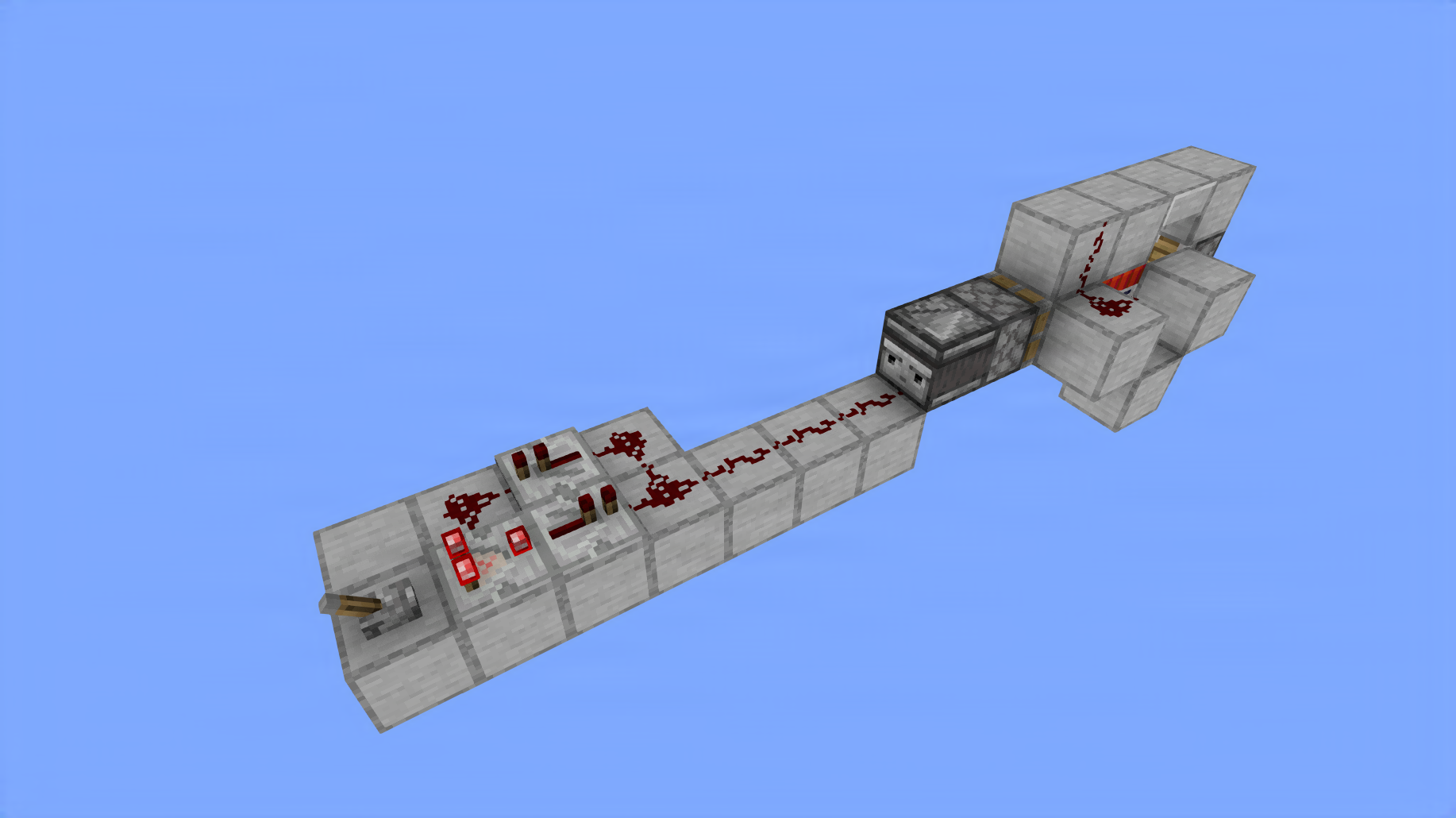
Super Easy Tnt Duper (No Slime)
NightFallzlow • ID: Mfdjv-
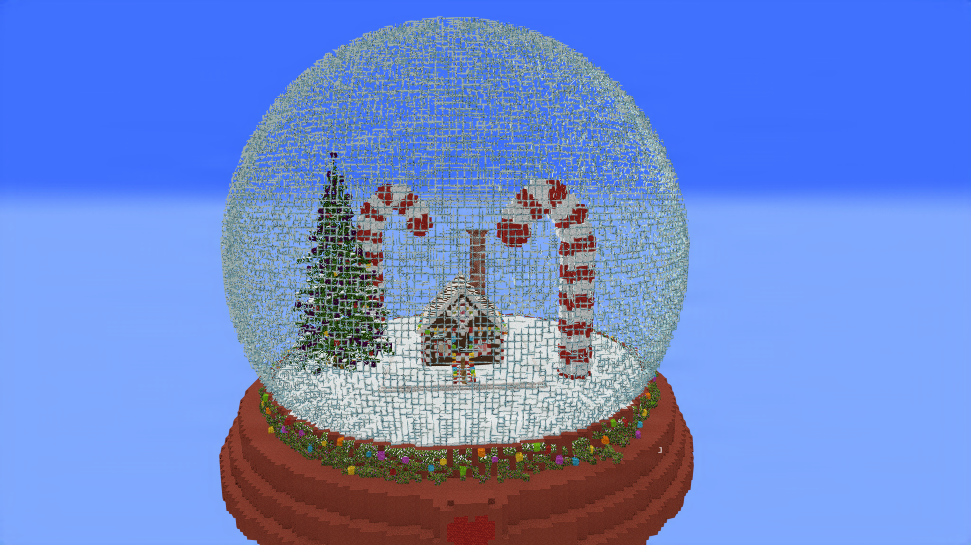
Glass Sphere Christmas
NightCheeze • ID: 51jE1U
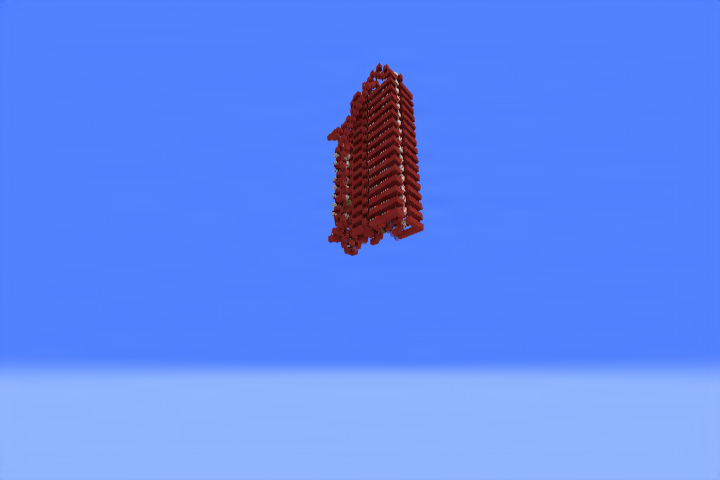
16b Sequential Square Root Extractor
zPippo_ • ID: WJRGIN
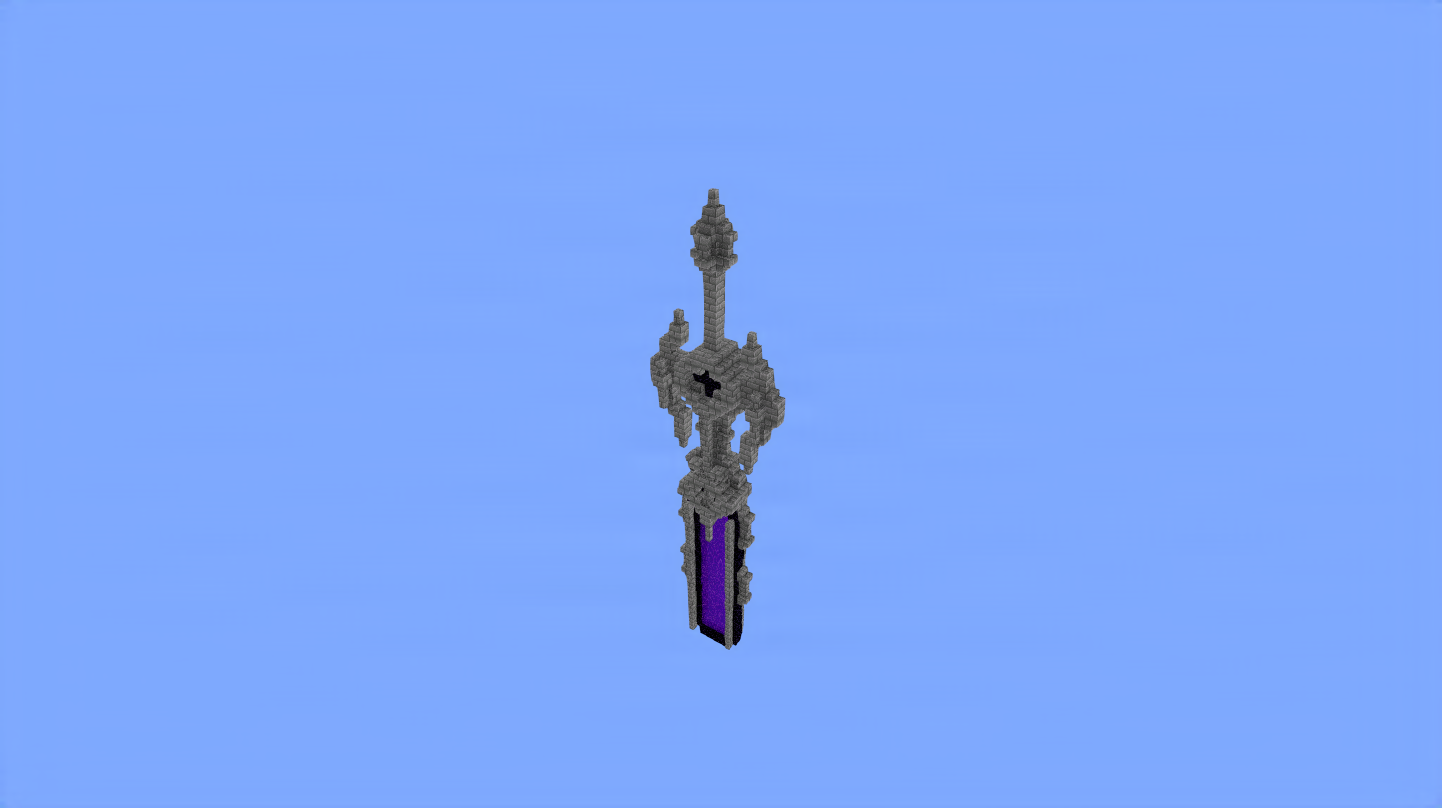
Netherportalsword Fixed
NayaWeb • ID: tvL0y-
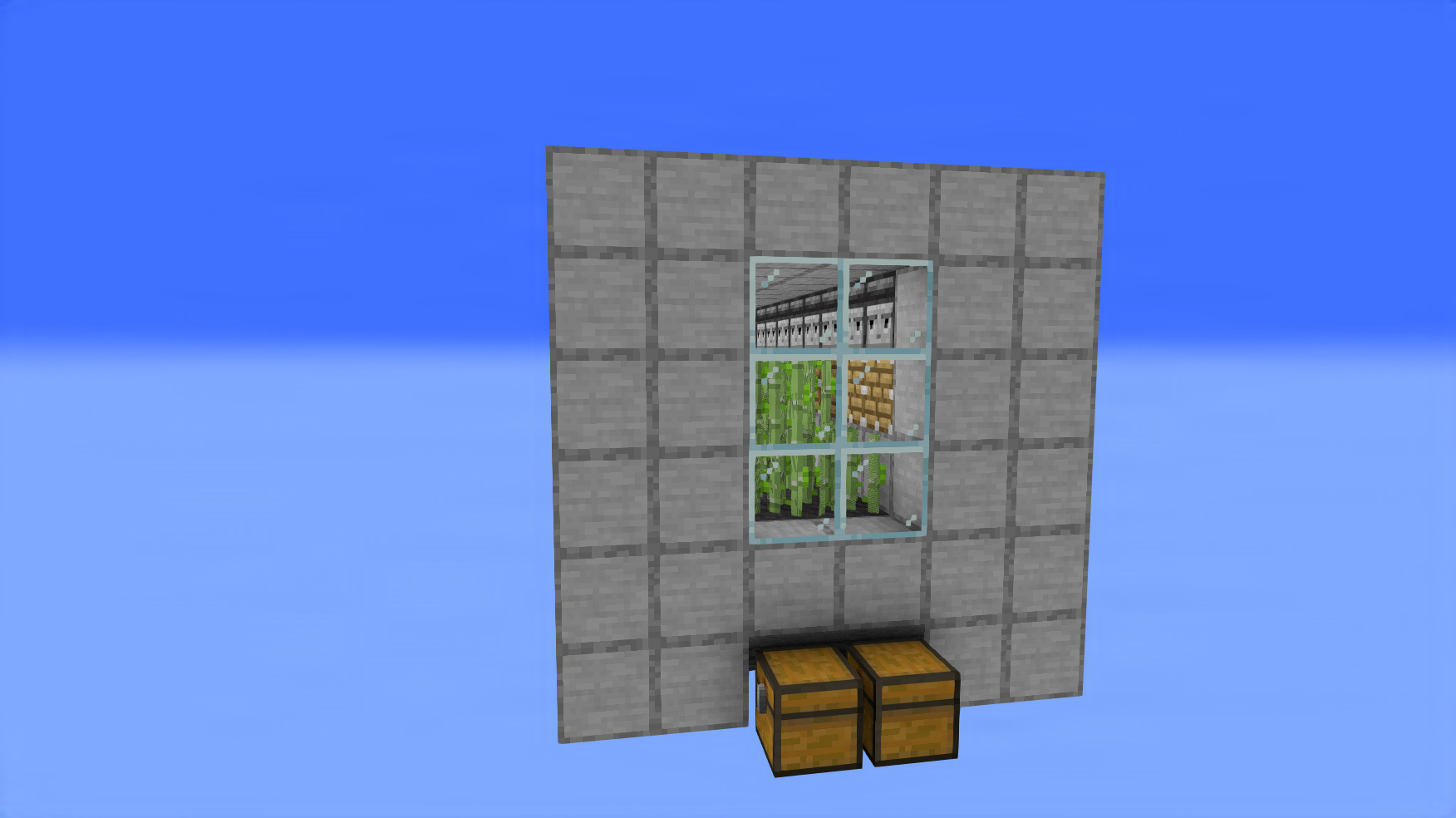
Sugar Cane Farm V2
Jahemes_ • ID: bNLGJi