
Create your account
Join the schemat.io community and start sharing your builds
Minecraft Auth Server
Quick & Easy
Register directly through our Minecraft authentication server. Simple and straightforward setup.
Step 1: Connect to Server
Launch Minecraft and connect to the server IP:
auth.schemat.io
Step 2: Set Password
In the server chat, run the password command:
/password <password>
Step 3: Account Linked
Your account is linked! Return here and sign in.
Copy Server Address
Copy Command Template
Microsoft Account
Recommended
Sign up instantly using your Microsoft account - the same one you use for Minecraft. Fast, secure, and seamless.
Already have an account?
By creating an account, you agree to our Terms of Use and acknowledge our Privacy Policy.
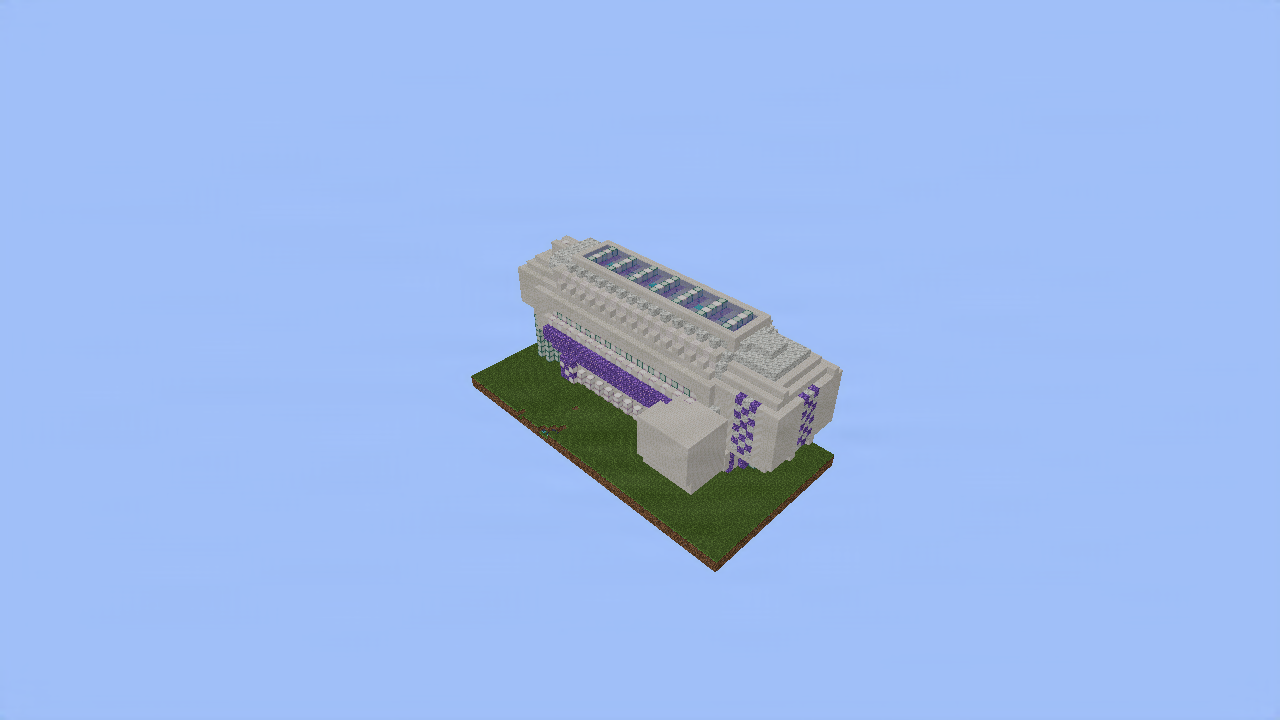
base with regear
Unknown Author • ID: MiPM8u
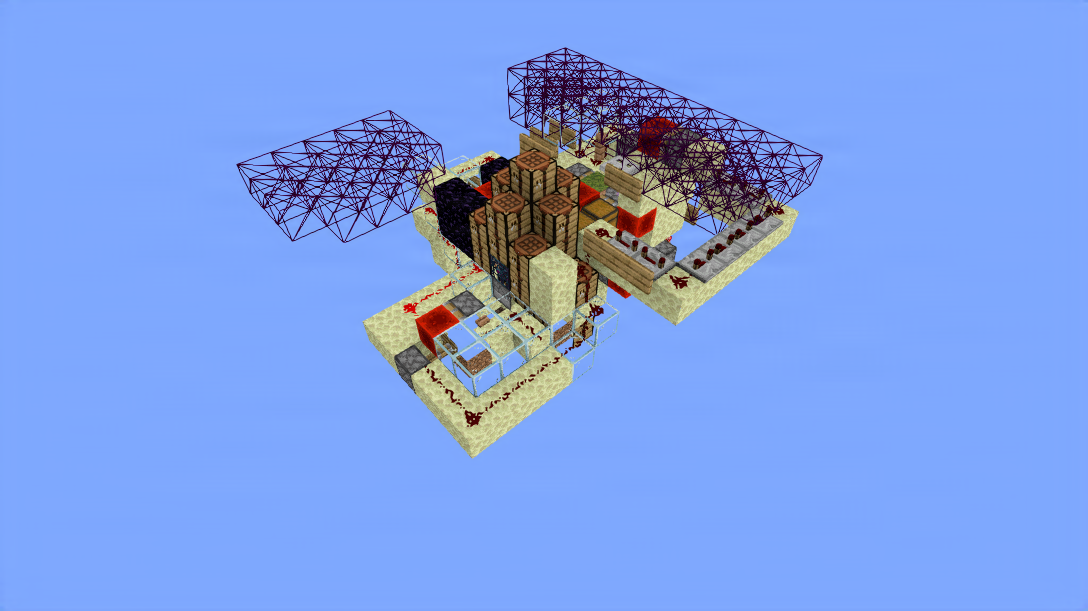
Best Railgun Tp Trap On Donutsmp
Kreeperman1 • ID: 05kXMW
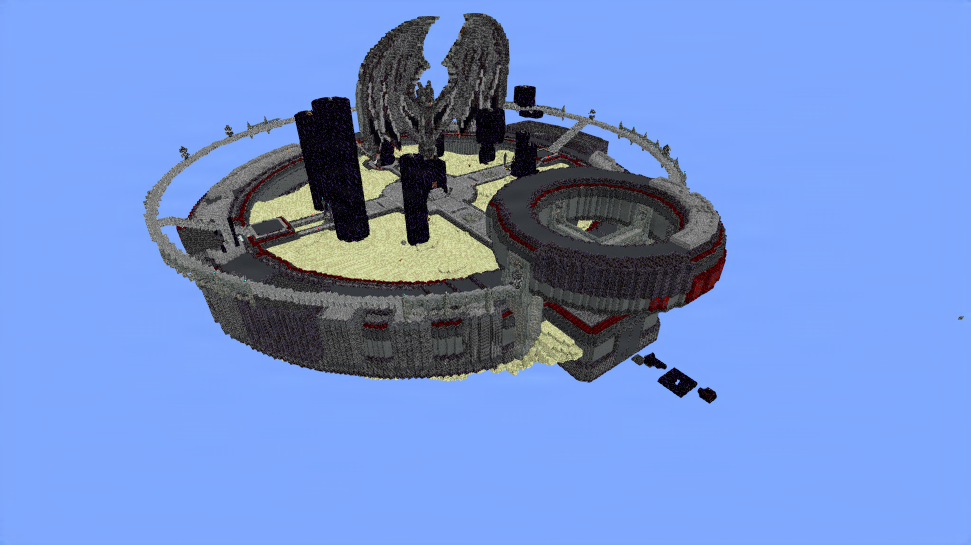
Minutes End Base before Spoke null end video
Aestrul_ • ID: lAUpOC
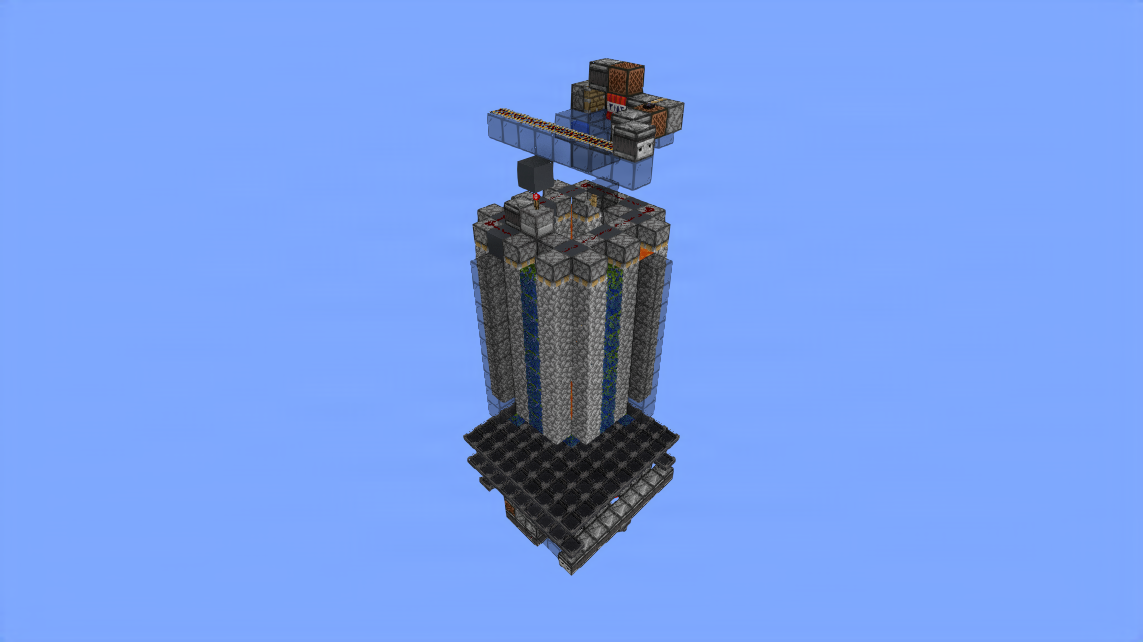
a single module of cobble farm
FeuSalaire34000 • ID: ZbiEvn
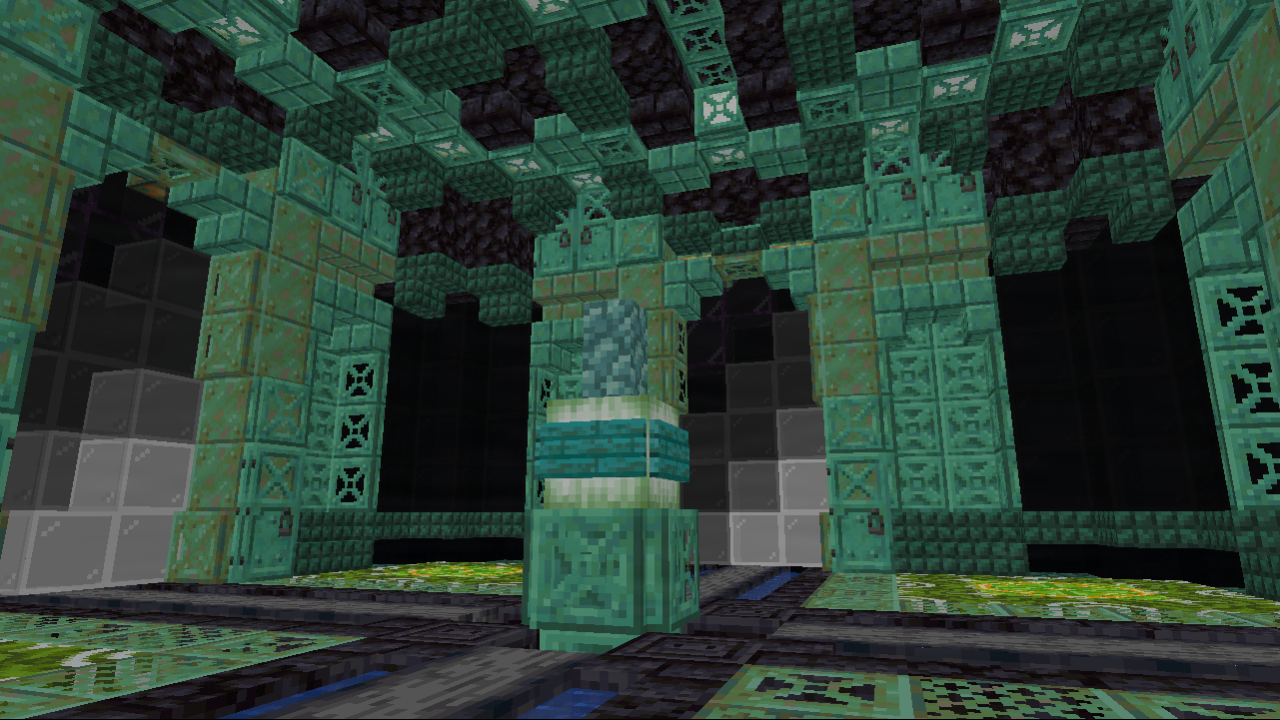
Copper Blackstone Pearl Base
Trxyzy56 • ID: 3URTHg