
Welcome back

Sign in to upload, comment, and share schematics.

Username & Password

Traditional login

Username
Password

Passwords are managed in-game through our Minecraft authentication server:

  1. 1. In Minecraft, connect to auth.schemat.io.
  2. 2. Run /password <your_password> (shorthand /password).
  3. 3. Come back here and sign in with your username and that password.

Prefer not to bother? Just use Microsoft below no password needed.

Or

Microsoft Account

Recommended

Sign in instantly using your Microsoft account.

Create Account

Microsoft Account

Recommended

Or

Minecraft Auth Server

Alternative method

Step 1: Connect to Server

Launch Minecraft and connect to the server IP:

auth.schemat.io

Step 2: Set Password

In the server chat, run the password command:

/password <password>

Step 3: Account Linked

Your account is linked! Return here and sign in.

Copy Server Address

Copy Command Template

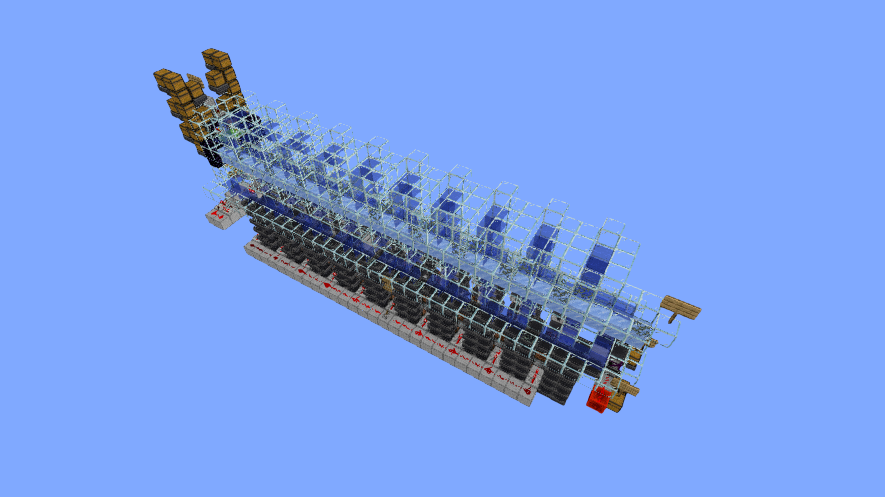
256 color display

1 year ago
redstone
display

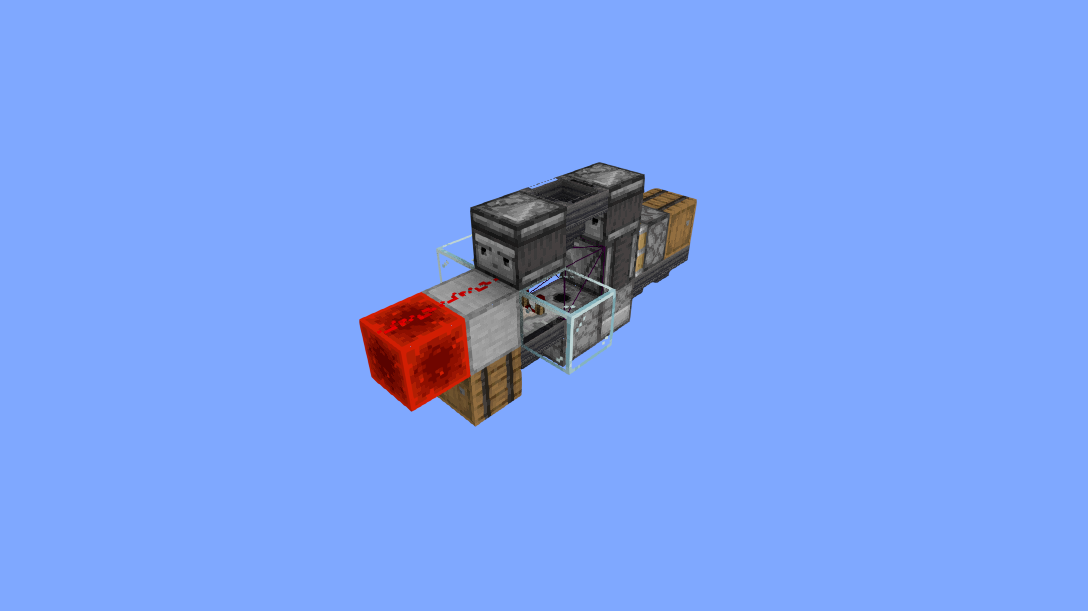
The hardware for the 256 colors resource pack, by zPippo

69,659

Blocks

180,000

Volume

80 × 45 × 50

Dimensions

schem

Format

Comments
0

More like this

View all