 minecraft
 farm
farm
This farm has to be at least 100 blocks away from a mountain and not in water. Don't mind the stuff at the bottom this is my first time using litematica. You can use any block for the outside, I used smooth stone but you can do anything, that doesn't have light. Credits to the youtuber BlazedMC for making this.
BlazedMCs Channel: https://www.youtube.com/@BlazedMCs
How to make it: https://www.youtube.com/watch?v=NY1qwYbUIcM
5,118
Blocks
109,980
Volume
30 × 141 × 26
Dimensions
litematic
Format
More like this
View all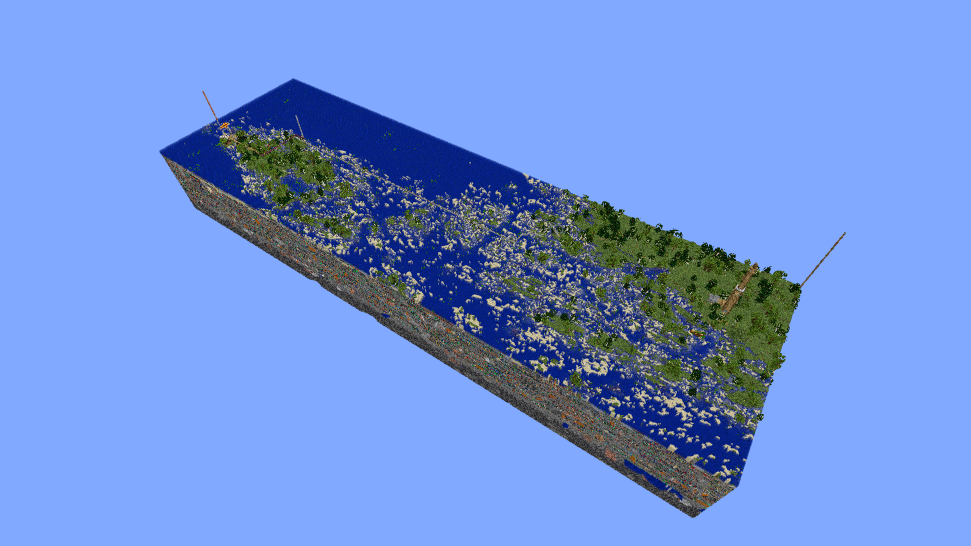
My Base in Åland - Naantali/Finland -- From ZedarMC
AverageLinuxUser • ID: azqEEI
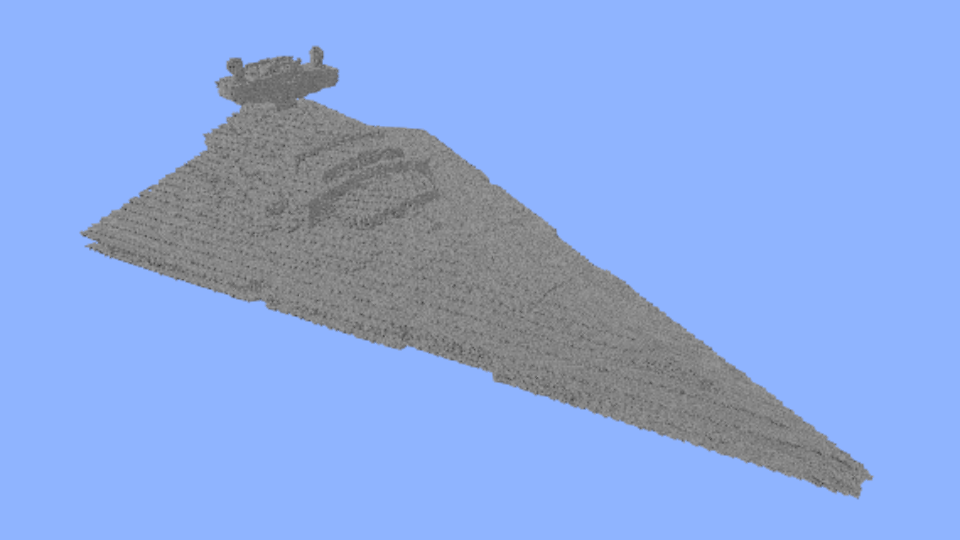
Star Destroyer
Marwan • ID: jqPT0W
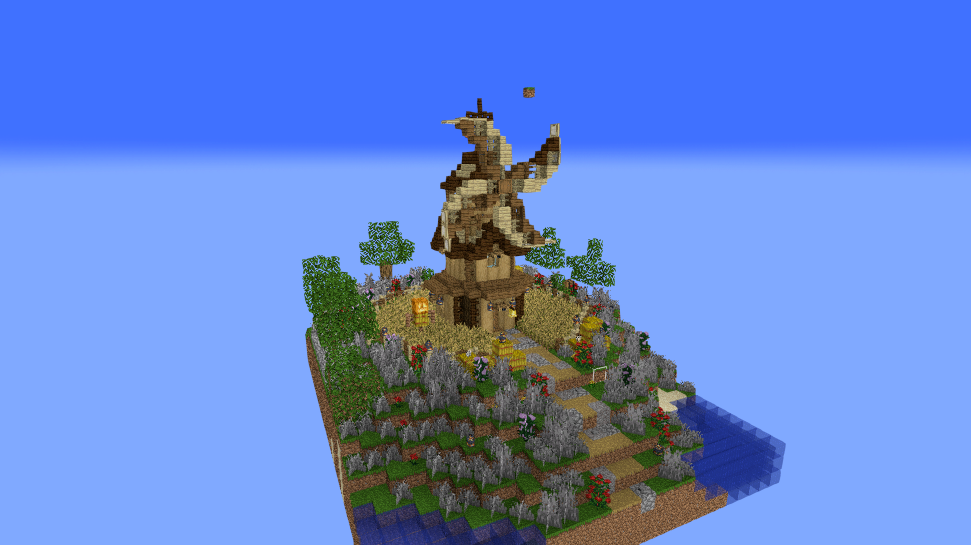
windmill
EnigmaKickz • ID: zypLP4
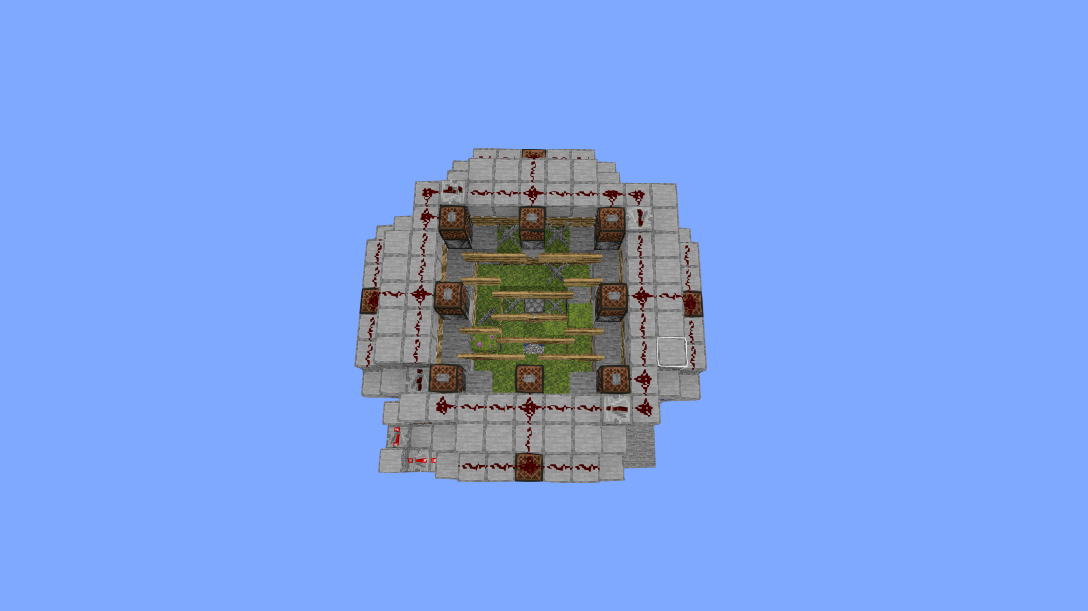
Fastest Bonemeal Farm Donut Smp
Kreeperman1 • ID: bqWFP1

309Fountain
Marwan • ID: myfMA_