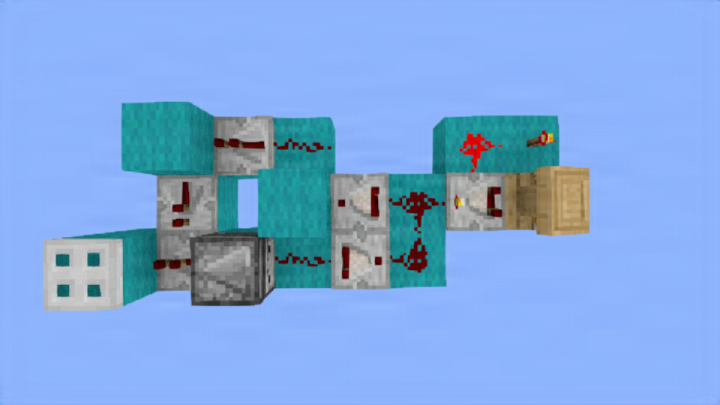

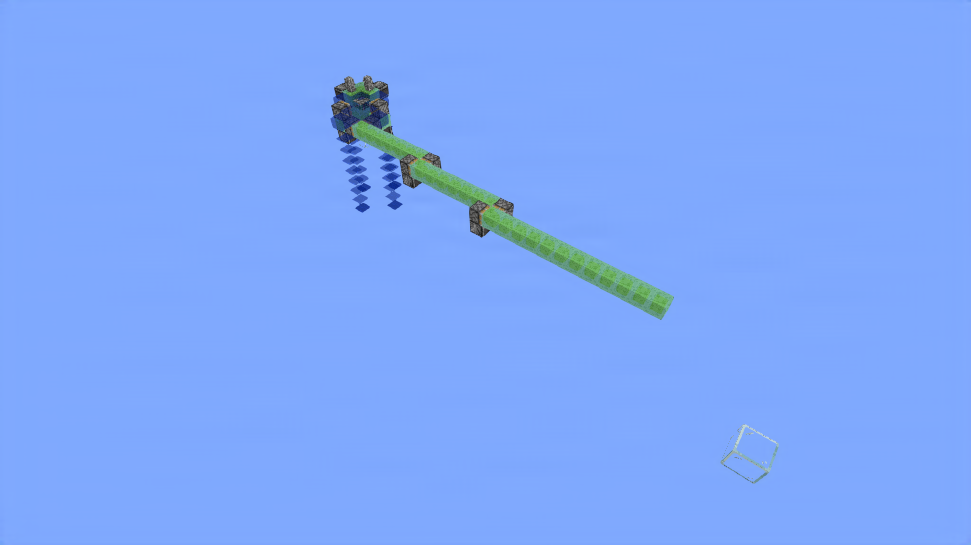
Outputs once for every signal strength inputted. So if a signal strength of 7 is inputted, the output will flash 7 times.
It has a few nice configuration options:
- You can change the pulse duration of the output by increasing the delay on the locked repeater. Keep in mind that the delay on the repeater that locks it needs to be equal to the delay of the locked repeater.
- You can also change the delay between pulses by increasing the pulse extender
I also made a version that is 2-wide instead of 3-wide but is one block longer and uses a redstone lamp. You can find that on my account page as well.
36
Blocks
81
Volume
3 × 3 × 9
Dimensions
schem
Format
More like this
View all
Knoster Cobbled Deepslate Slab Crafter -by Konst4638
Konst4638 • ID: cLpMvP
Netherportalsword Fixed
NayaWeb • ID: tvL0y-
Cabin
Jxtgaming • ID: IUe-xW
Donut SMP flooding machine
Aestrul_ • ID: PuGXbn
Knoster V1 -by Konst4638
Konst4638 • ID: pm-GSK