Welcome back

Sign in to upload, comment, and share schematics.

Username & Password

Traditional login

Username
Password

Passwords are managed in-game through our Minecraft authentication server:

  1. 1. In Minecraft, connect to auth.schemat.io.
  2. 2. Run /password <your_password> (shorthand /password).
  3. 3. Come back here and sign in with your username and that password.

Prefer not to bother? Just use Microsoft below no password needed.

Or

Microsoft Account

Recommended

Sign in instantly using your Microsoft account.

Create Account

Microsoft Account

Recommended

Or

Minecraft Auth Server

Alternative method

Step 1: Connect to Server

Launch Minecraft and connect to the server IP:

auth.schemat.io

Step 2: Set Password

In the server chat, run the password command:

/password <password>

Step 3: Account Linked

Your account is linked! Return here and sign in.

Copy Server Address

Copy Command Template

LukeCraft2010

LukeCraft2010

Joined Aug 2024

Biography

No biography added yet

Stats

4
Schematics
0
Total Likes
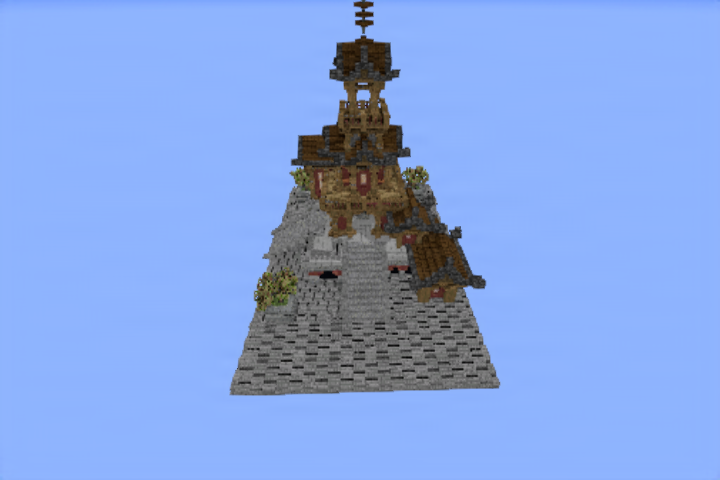
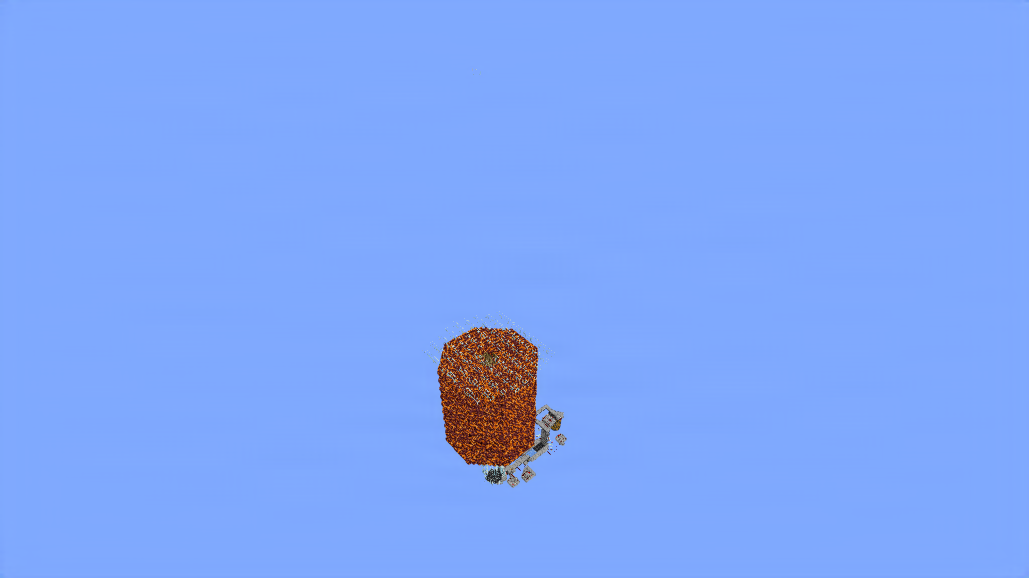
Japan pagoda (open pls. rendering chose a weird spot) preview

Japan pagoda (open pls. rendering chose a weird spot)

a build

minecraft Details
108 0 0 47×55×64
.schem
View Japan pagoda (open pls. rendering chose a weird spot)
Open
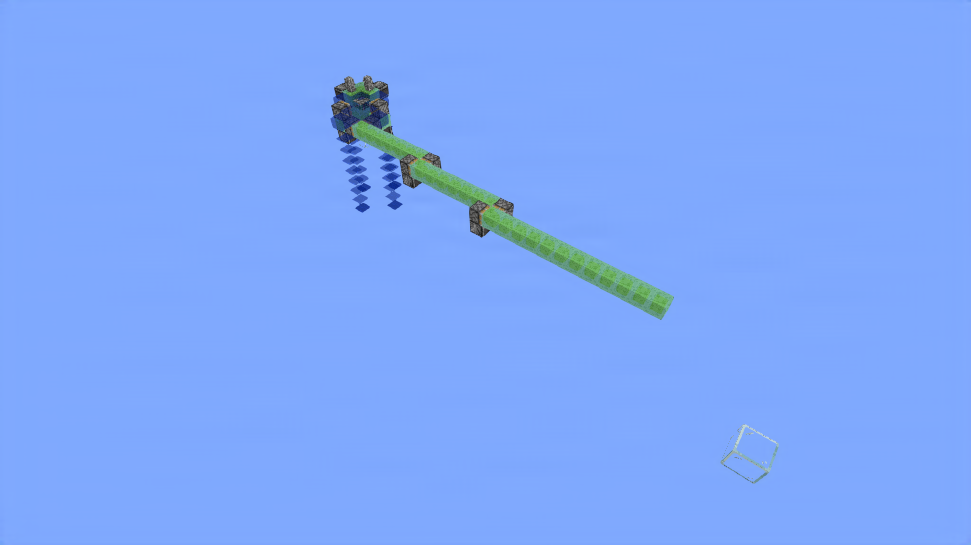
House 2 preview

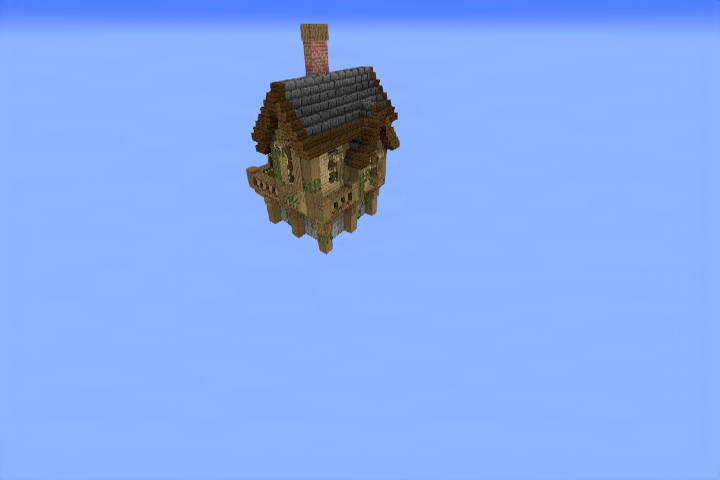
House 2

Simple house

minecraft Details
227 0 0 15×18×16
.schem
View House 2
Open
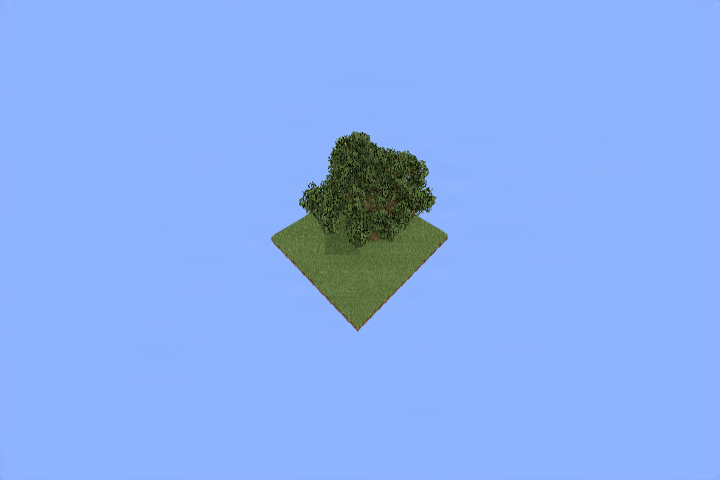
oak tree preview

oak tree

just an oak tree :)

minecraft Details
58 0 0 27×28×28
.schem
View oak tree
Open
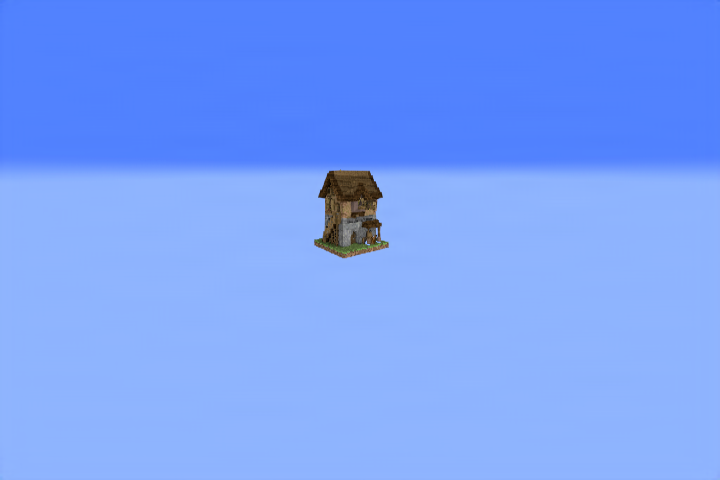
Rustic House preview

Rustic House

Rusic House, not entirely sure what to put. :)

minecraft Details
123 0 0 12×14×12
.schem
View Rustic House
Open

No Flows Yet

This user hasn't created any visual schematic flows yet.

LukeCraft2010's Bookmarks

No bookmark collections found.
Create Collection
Create a new collection to organize your bookmarks.
Name
Make Public Allow others to view this collection on your profile.